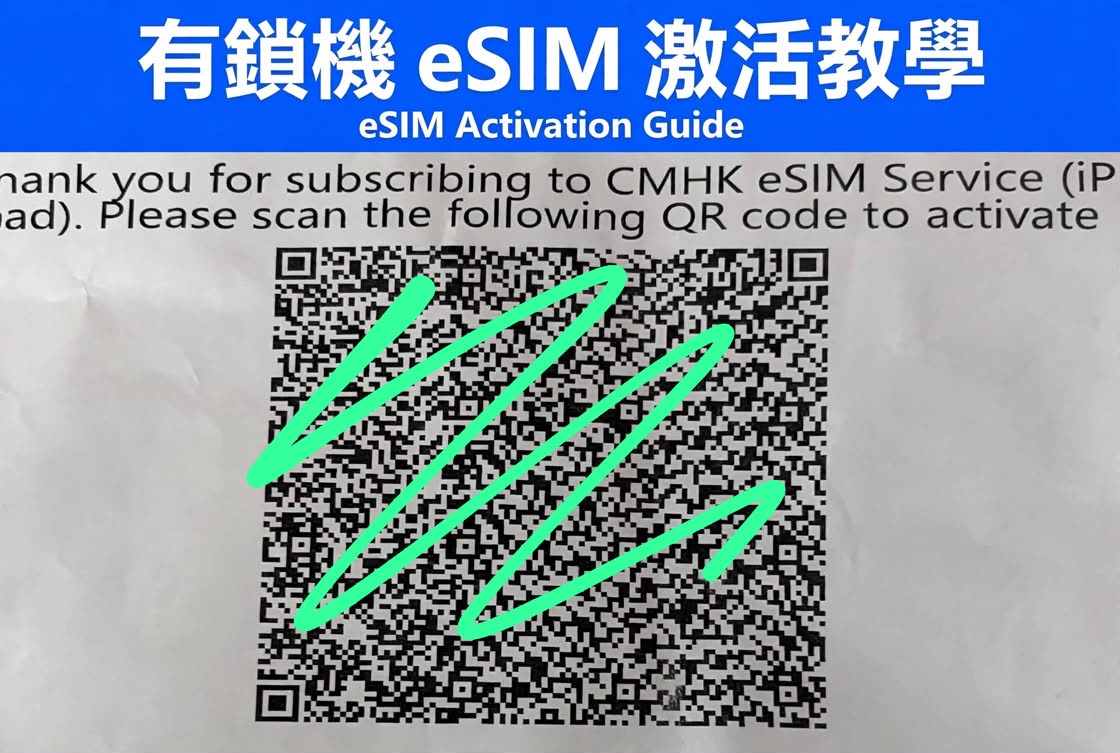
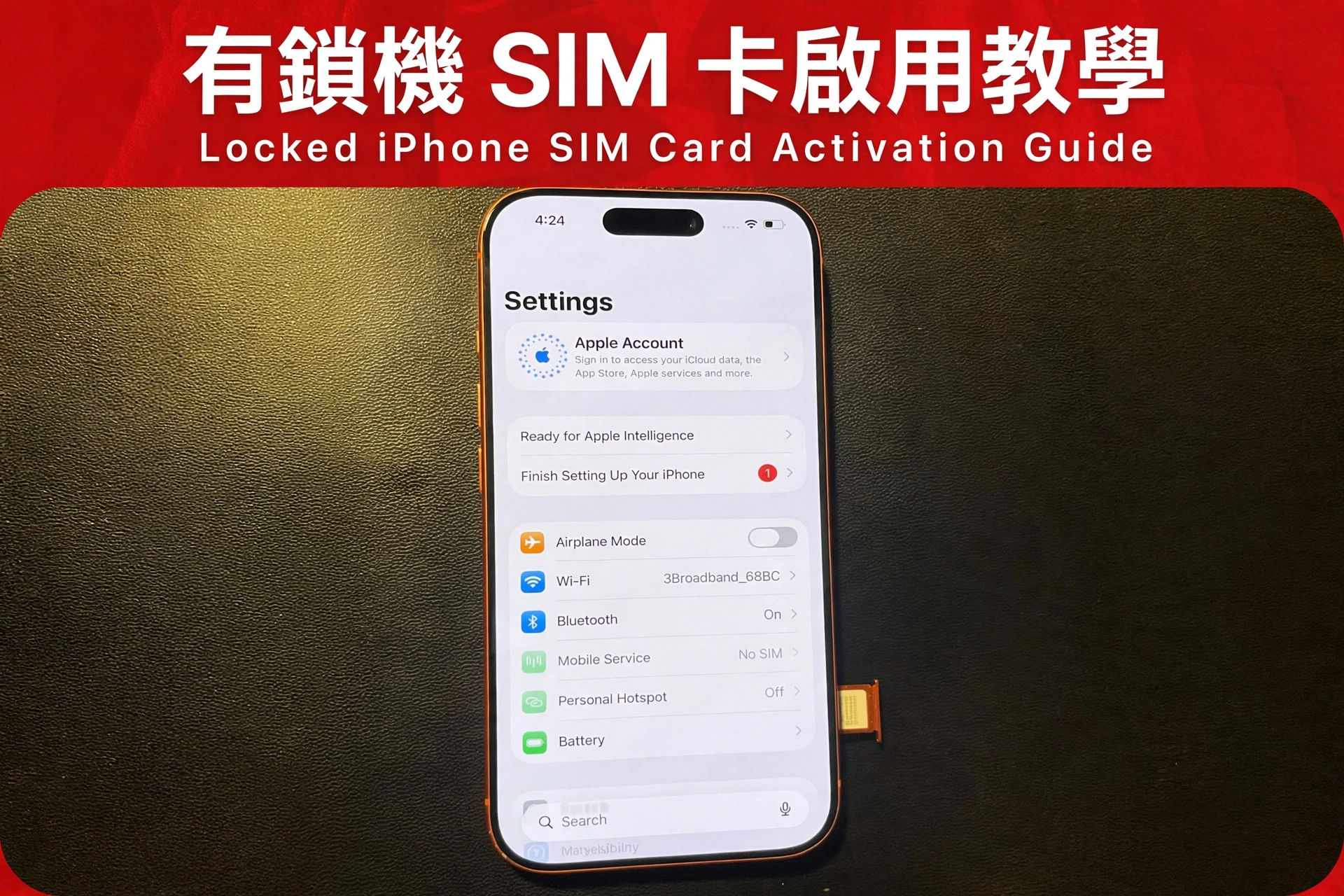
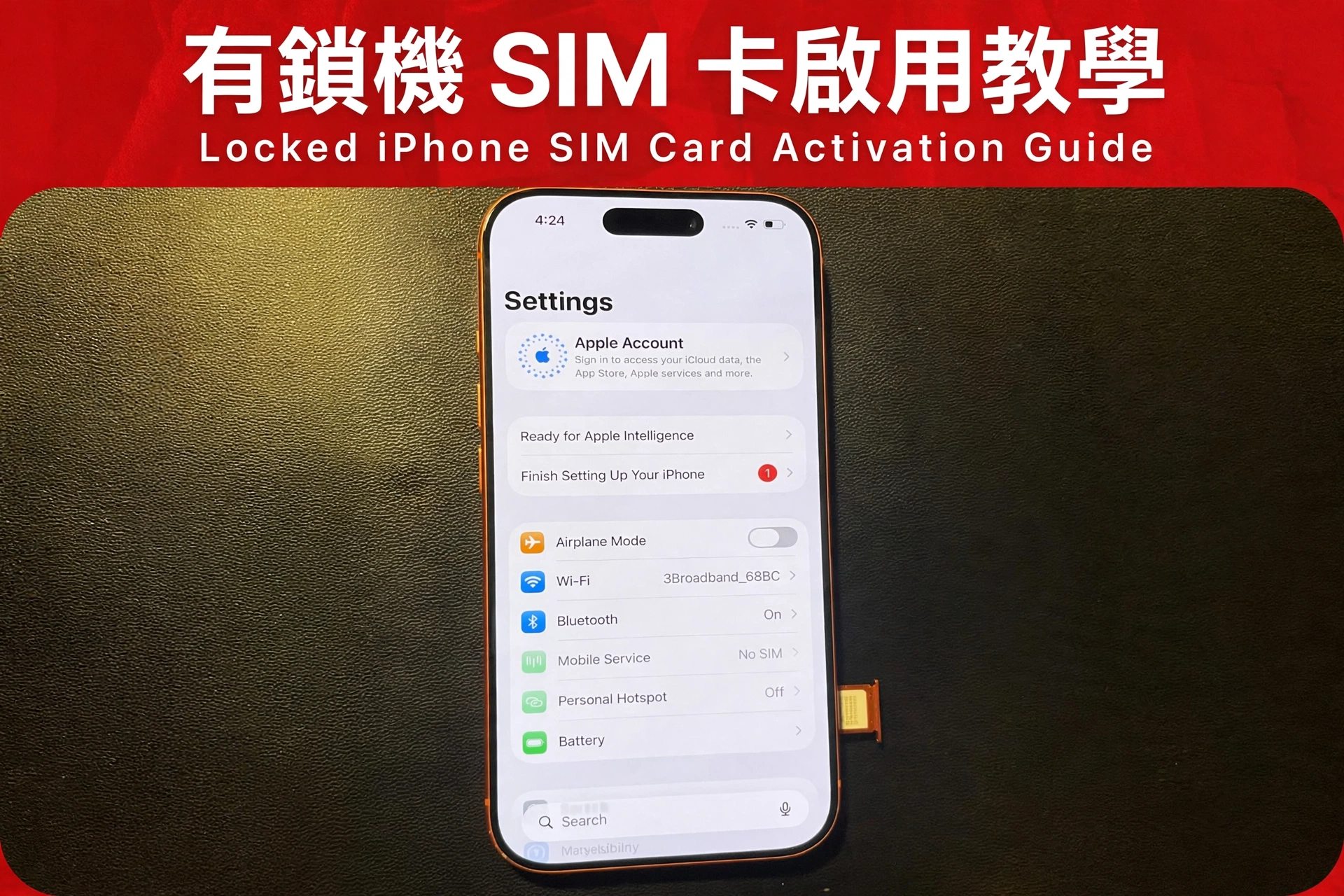
有鎖機eSIM激活教學/eSim Activation Guide (Sim locked phone)
Step1:
二維碼只能綁定一部手機,所以用過了會加入不了,要去營業廳更新二維碼。
⚠️ Important: The QR code can only be bound to ONE phone. Once used, it cannot be added again. You need to visit the carrier store(CMHK, CSL, SmartTone, 3HK etc) to get a new QR code.
Step2:
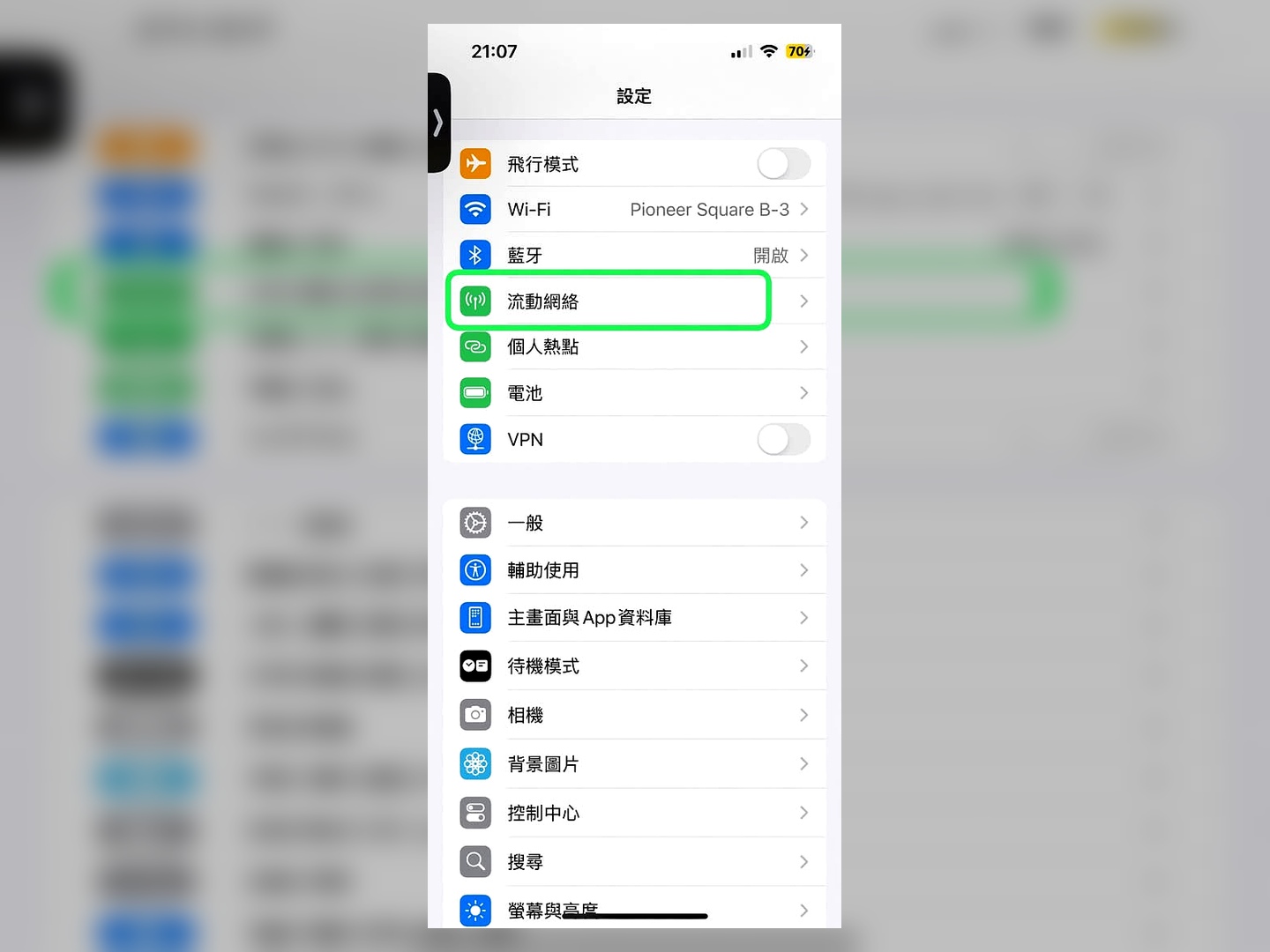
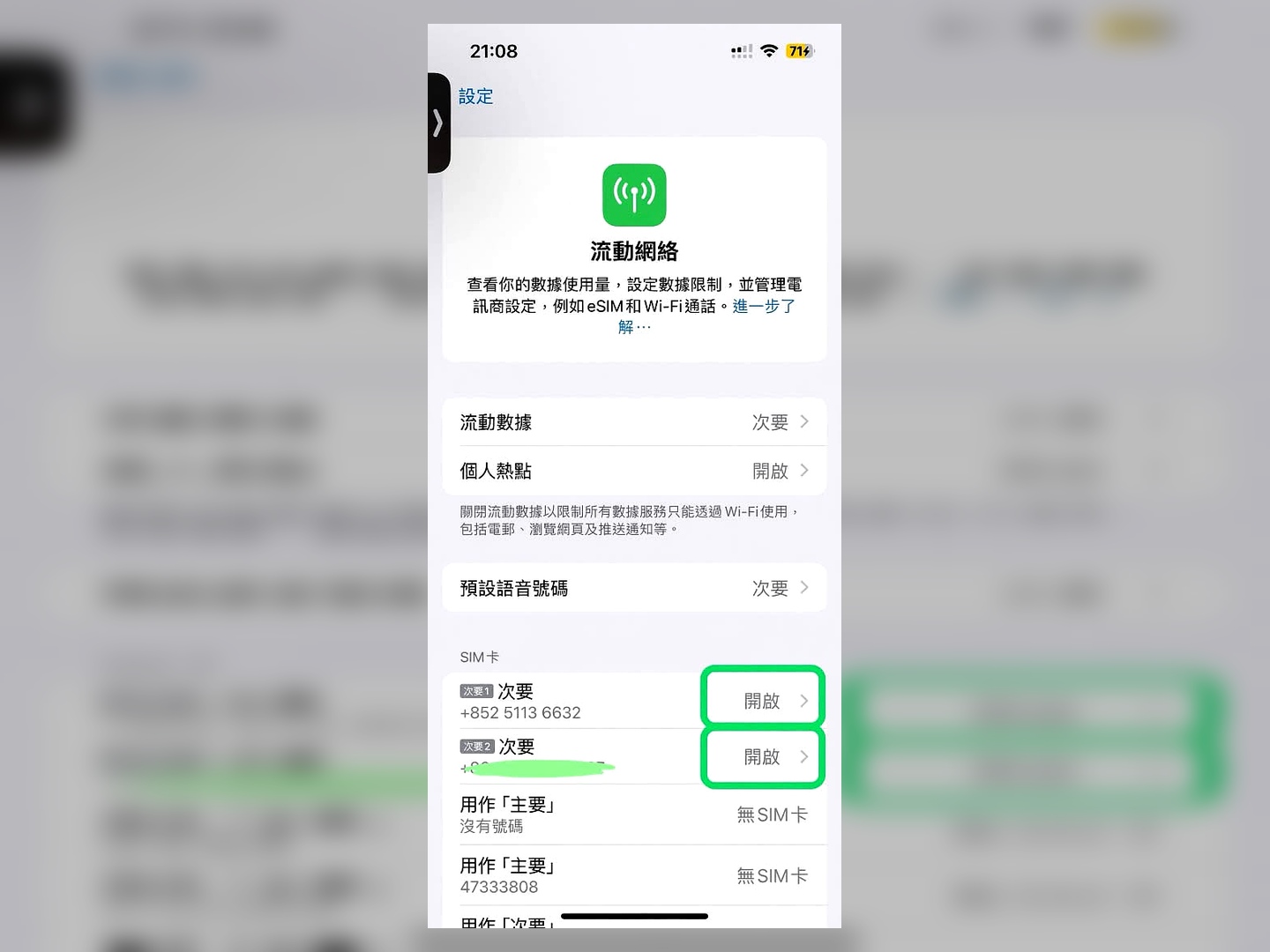
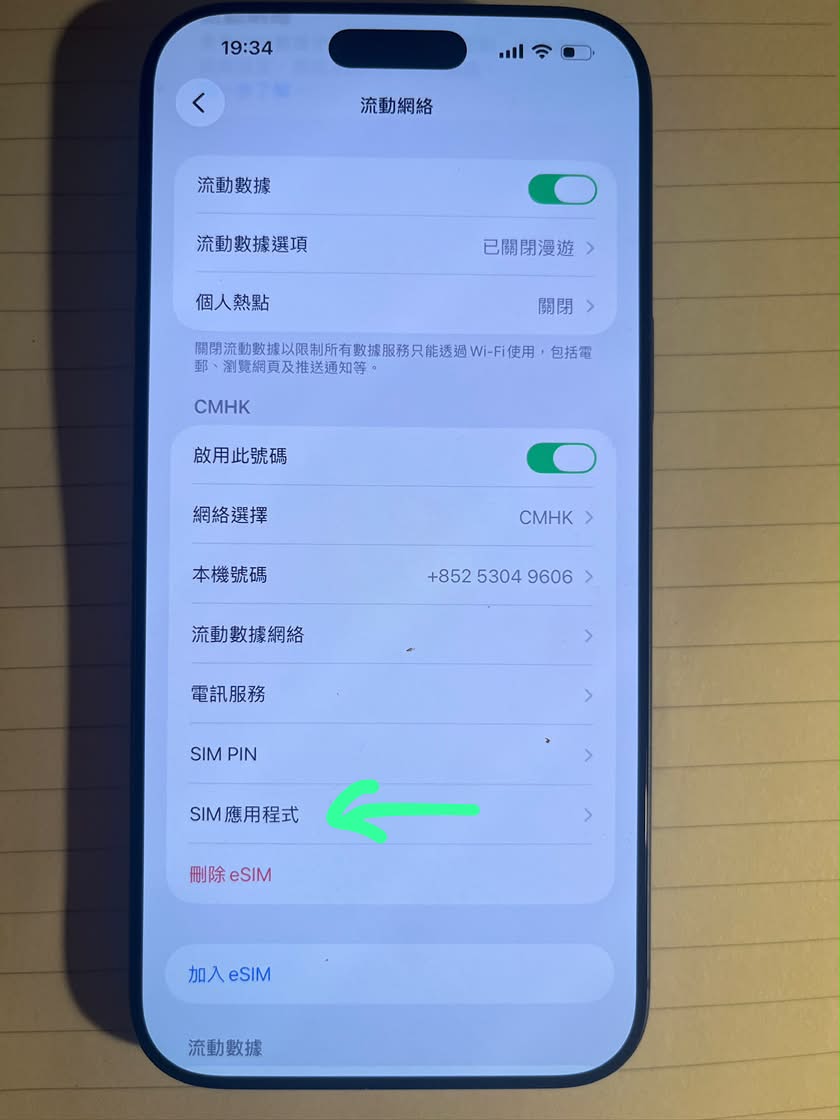
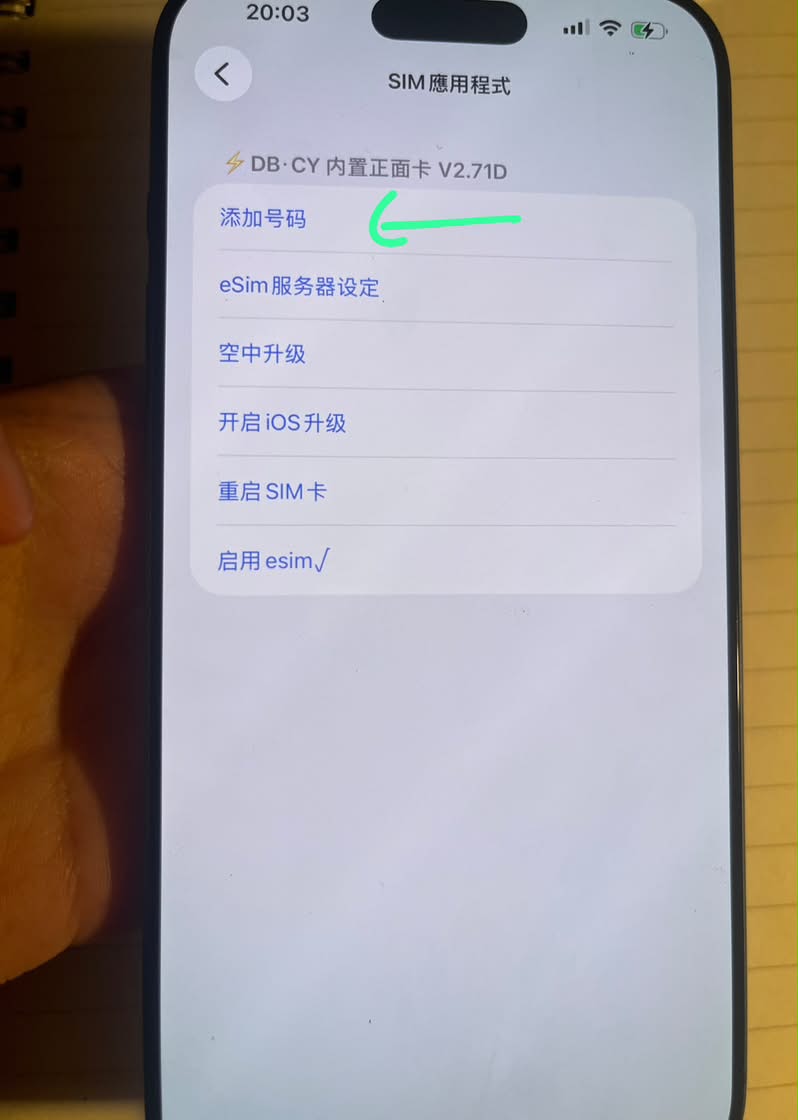
添加過程:關Wi-Fi,插一張本地網絡卡,然後在設定>流動網絡>選擇網絡卡那個電話號碼,下面會顯示sim 應用程式>添加號碼。
Turn off Wi-Fi, insert a local carrier SIM card. Go to Settings > Cellular > Select your carrier phone number. Scroll down, you will see SIM Applications.
Step3:
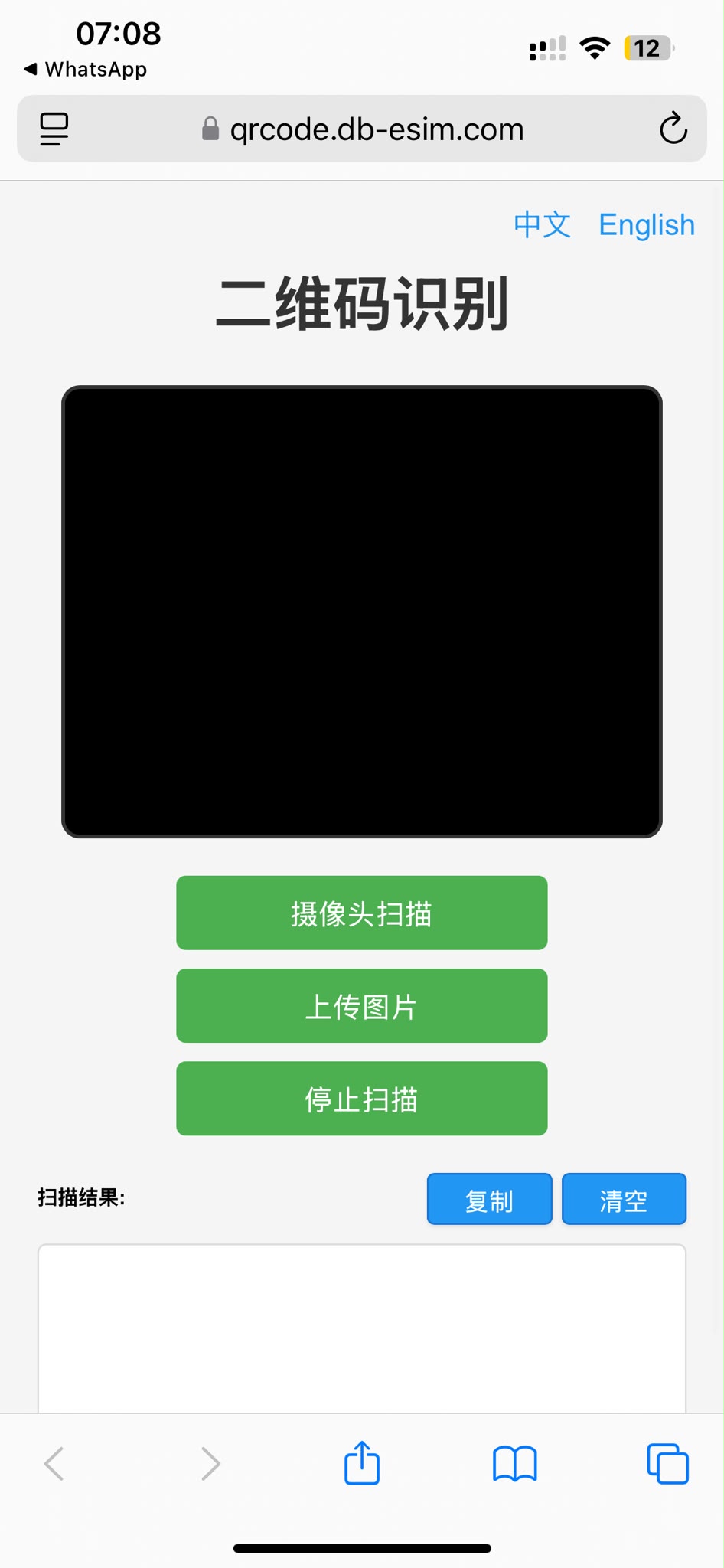
添加號碼會要求輸入一串文字,二維碼可以通過https://qrcode.db-esim.com掃一掃轉成文字,將文字複製並在添加號碼那裡貼上,下載成功後,重新開機關機,在流動網絡那裡開啓eSIM就可以了。
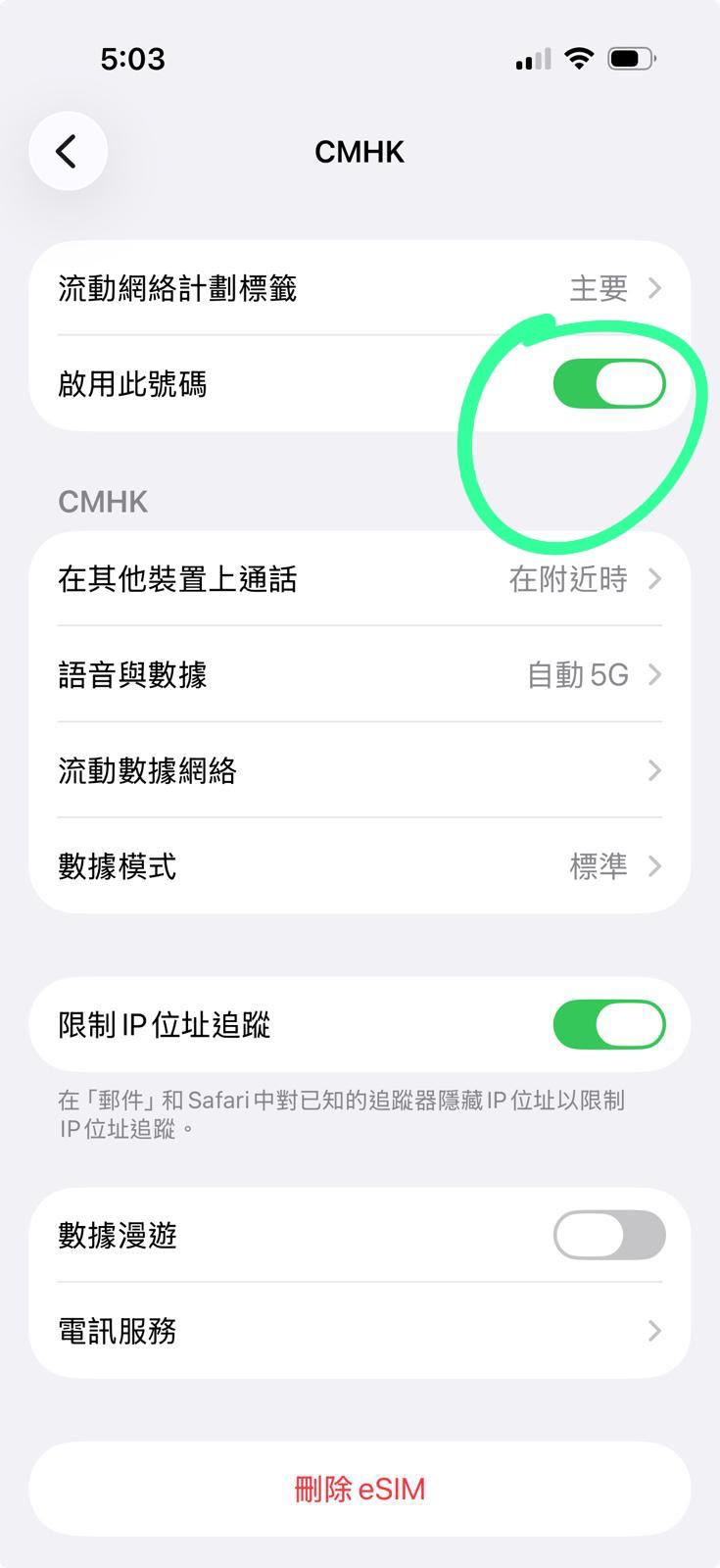
Tap SIM Applications > Add Number. It will ask you to input a long string of text. You can scan the QR code with (https://qrcode.db-esim.com) Scan feature to convert it into text, then copy and paste the text into the Add Number field. After successful download, restart your iPhone (power off and on). Then go to Settings > Cellular and enable the eSIM.
如果找不到sim應用程式, 開飛行模式,關號碼關網絡 等十幾秒,再開網絡,關飛行模式。
If you cannot find SIM Applications. Turn on Airplane Mode, turn off the number and cellular data. Wait 10-15 seconds. Then turn on cellular data again, and turn off Airplane Mode. The SIM Applications should appear.